Following Granular’s acquisition of a nitrogen management product, I led the redesign of its crop planning workflows for the new Granular Agronomy platform. By replacing manual, field-by-field data entry with streamlined bulk actions, I eliminated the efficiency bottlenecks of the legacy system, allowing agronomists to generate nitrogen prescriptions across their operations with greater precision and efficiency.
Role
Lead Product Designer
Team
1 product manager
1 engineering lead
1 data scientist
TIMELINE
2019 - 2020
Note: Since I’ve left the company, Granular Agronomy and this feature has been incorporated into another product line.
To generate precise nitrogen prescriptions, our science model requires users to enter detailed field information, from crop activities to seed types and yield goals. This task falls to agronomists, or 'crop consultants' who manage these complex data requirements and generate science-based prescriptions for their farmers' fields.
Our legacy product suffered from rigid workflows that couldn't handle the inherent volatility of a farming season. It lacked the flexibility agronomists needed to pivot plans for their clients as weather and logistics changed on the fly.
In the redesigned tool on the new Granular Agronomy platform, I replaced the manual, field-by-field entry process with application-centric views and bulk actions. This allowed agronomists to build complex plans for entire farming operations in minutes and, more importantly, adapt them in seconds as the season unfolded.
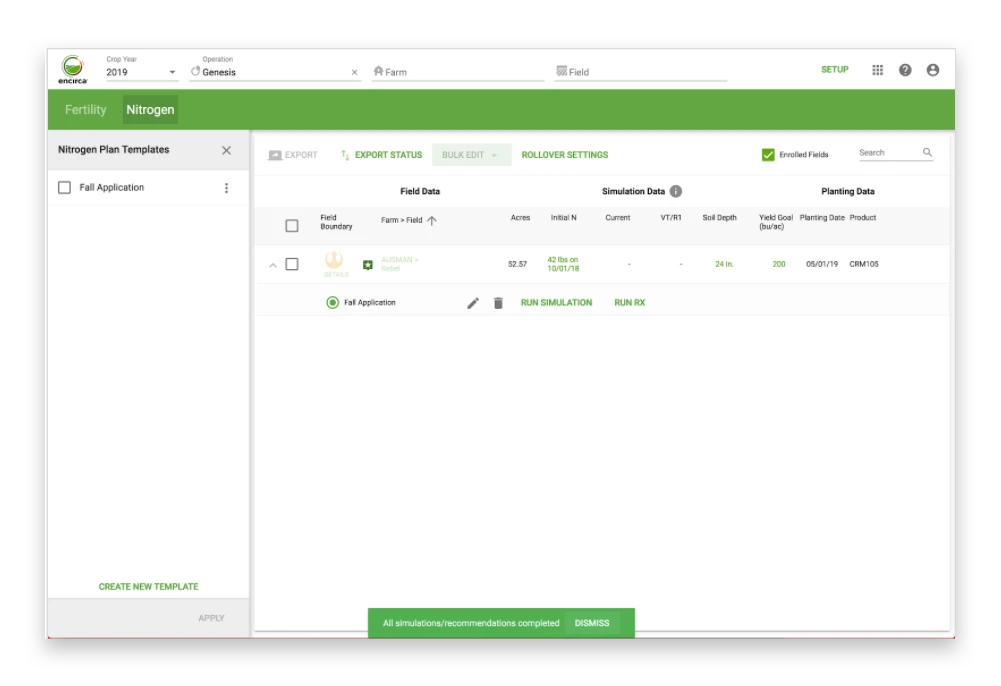
Encirca (Legacy product)
In the legacy product, users created "crop plans" and applied it to fields. In theory, this allowed for bulk planning, but made it incredibly difficult to make field-by-field adjustments to keep up with changes in the real world. For agronomists managing 150+ fields, this was an administrative burden.
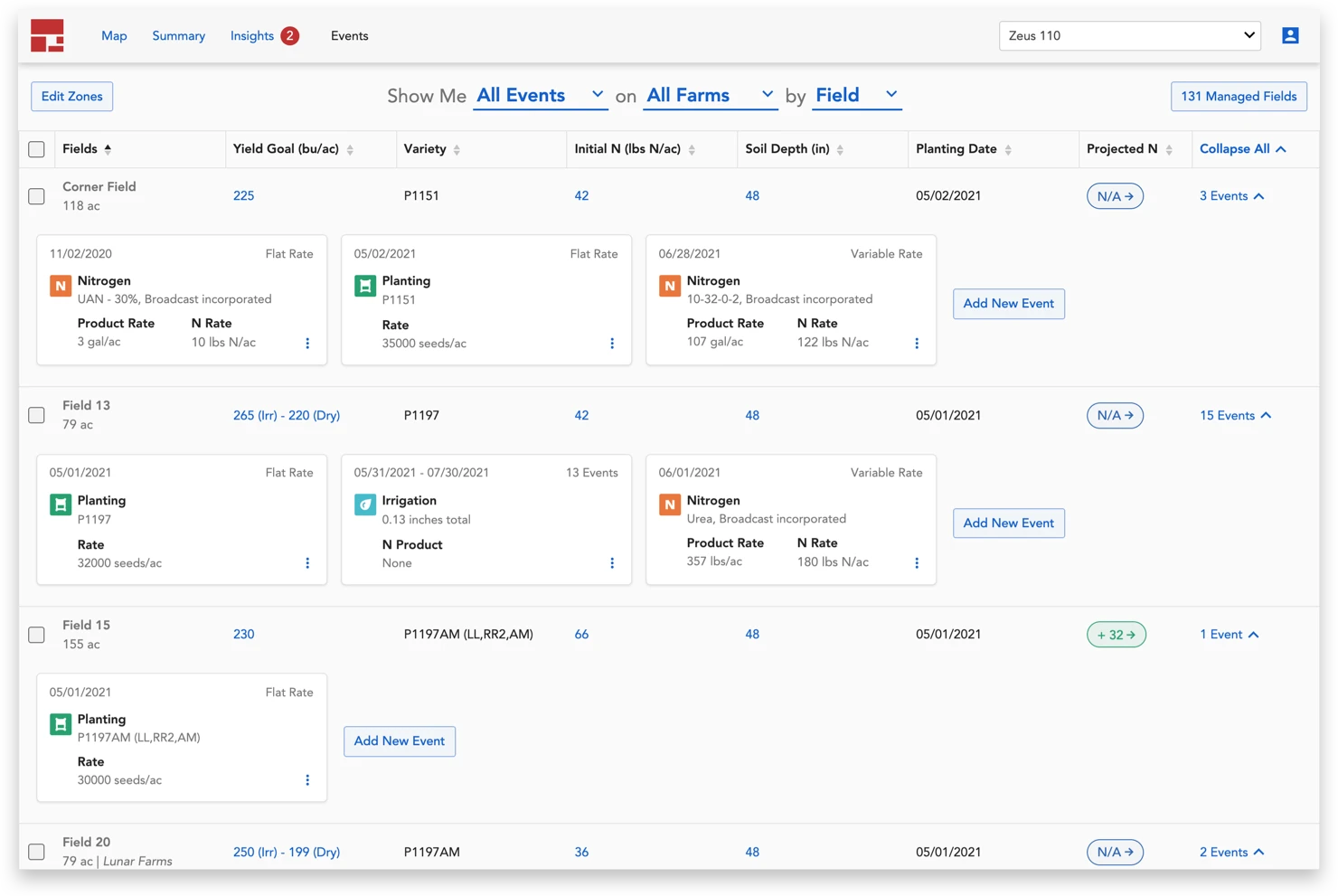
Granular AgronomY
We reimagined the tool to prioritize efficiency, allowing agronomists to both quickly enter crop activities during the planning phase and perform bulk adjustments in-season.
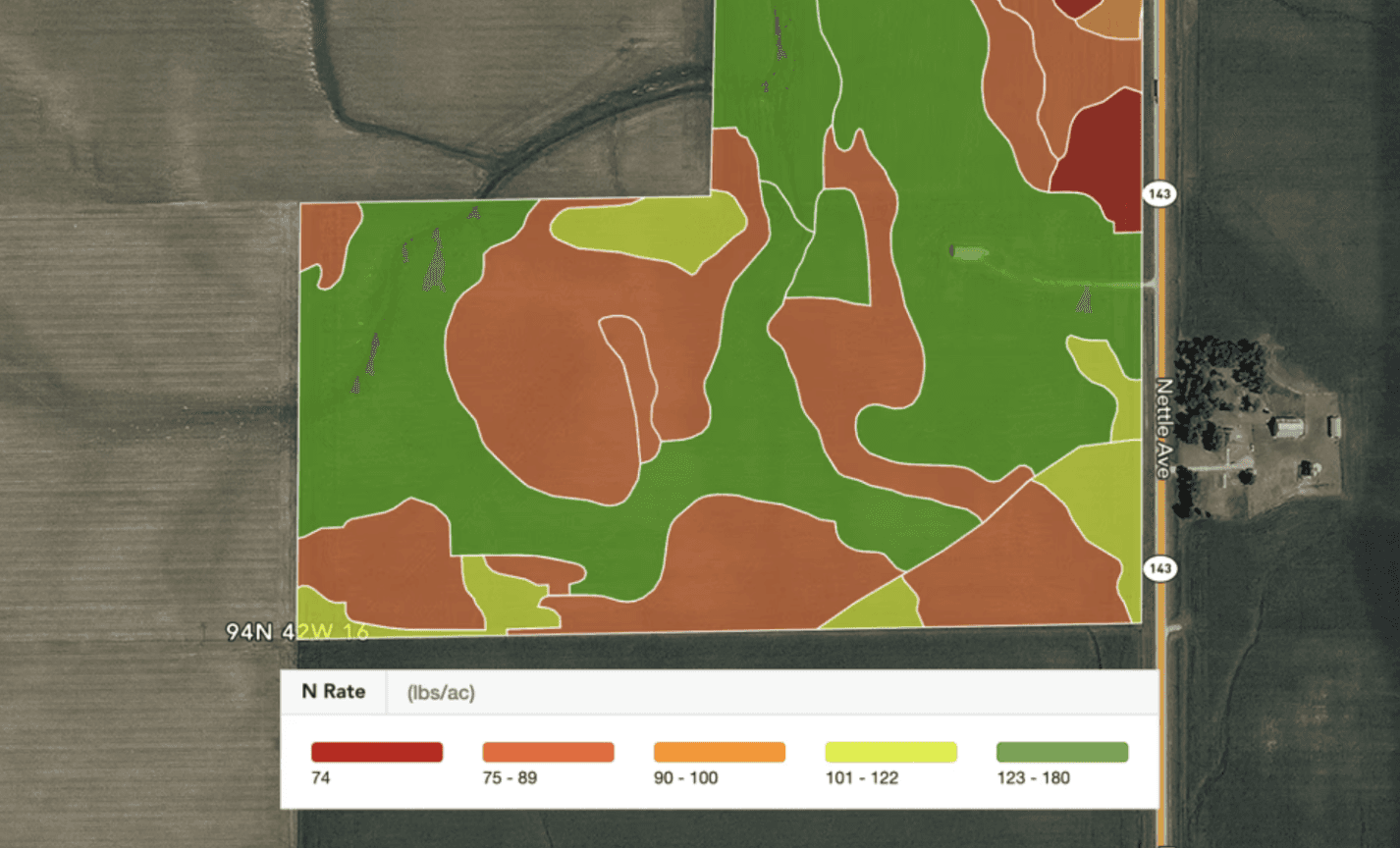
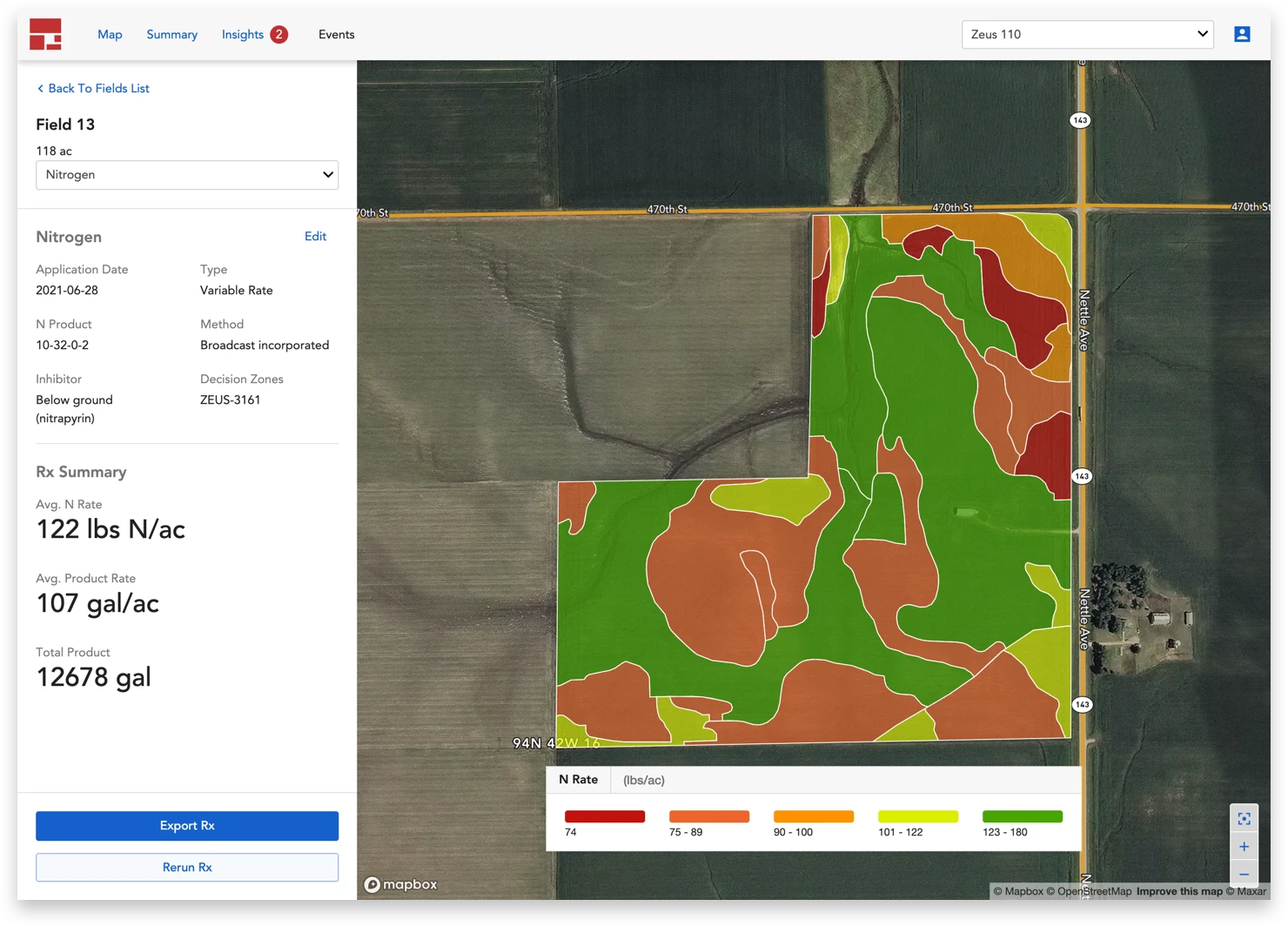
Because soil conditions vary across a single field, farmers use variable rate prescriptions to apply precise amounts of fertilizer exactly where needed. These prescriptions are spatial maps—often created by agronomists using specialized software—that divide a field into 'management zones'. Once loaded into a GPS-equipped tractor, the map automatically guides the machinery to dispense the optimal amount of fertilizer for each zone, maximizing yield while reducing waste.
Skip to the bottom to see more fun farm photos :D
We started by digging into user needs through interviews with agronomists and farmers, as well as a deep dive into support tickets and feedback from users of the legacy product. We learned that an agronomist's work is highly seasonal, falling into three key stages: planning during the pre-season, making adjustments during the growing season, and analyzing results post-harvest.
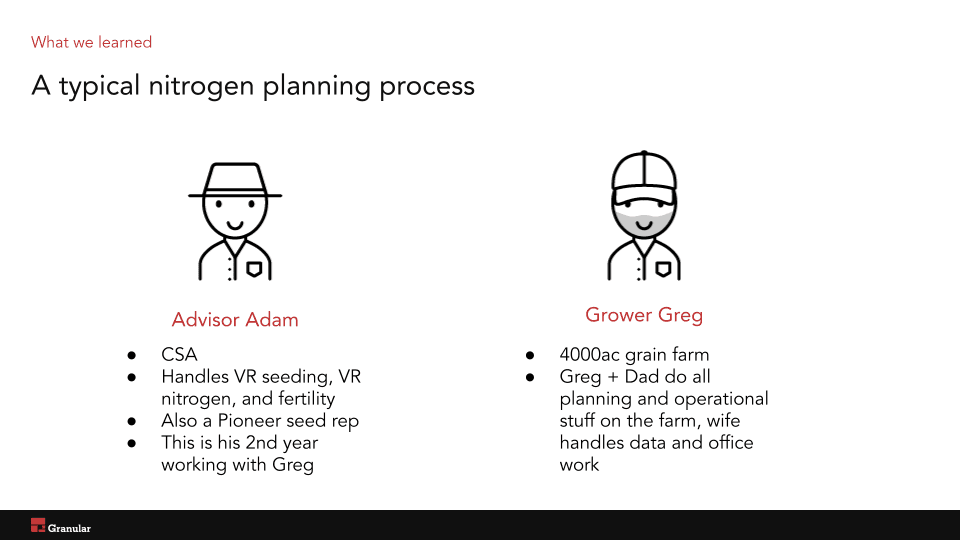
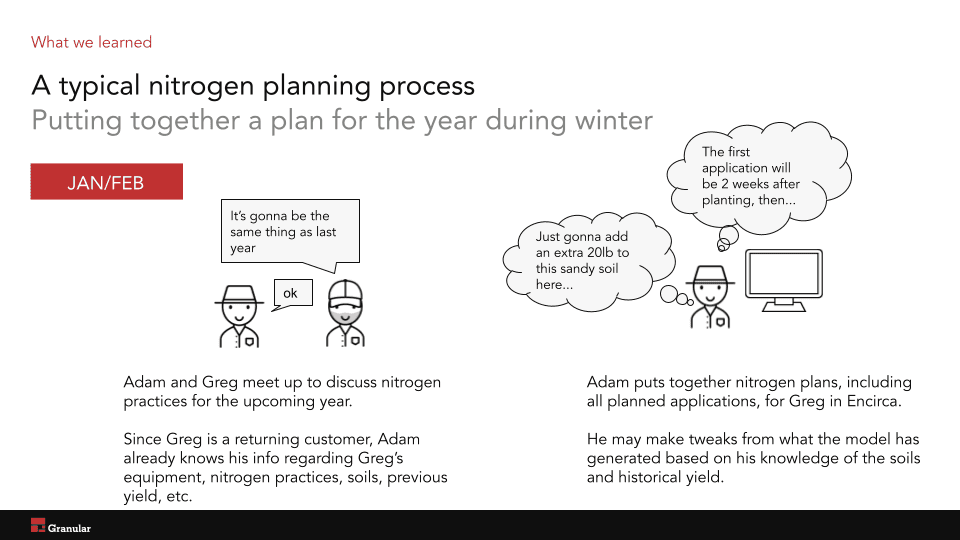
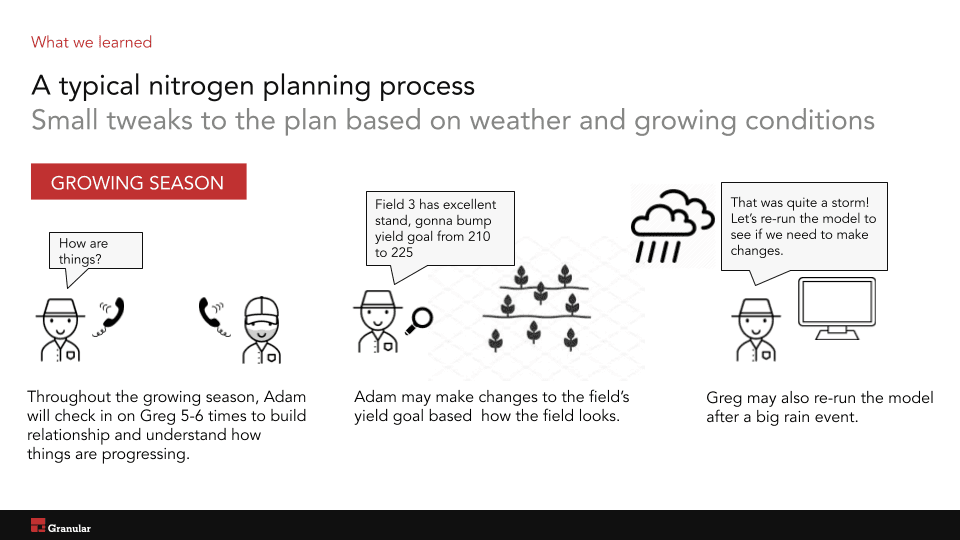
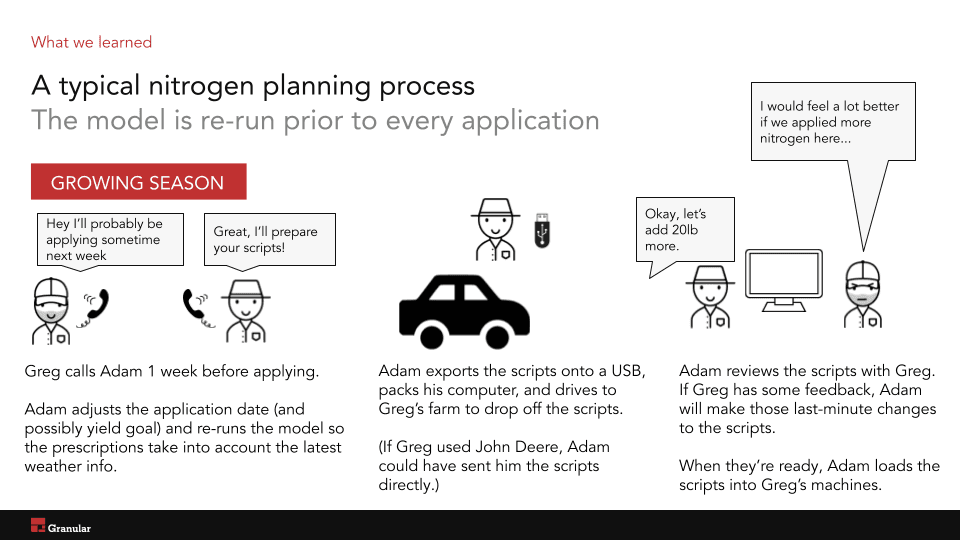
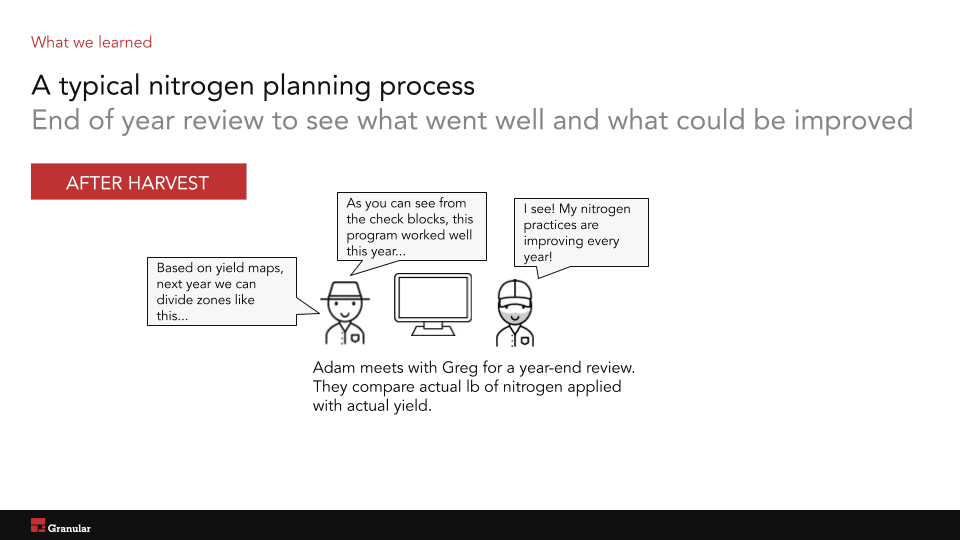
For the initial launch, we focused on the two most critical stages of the agronomist’s year: pre-season planning and in-season adjustments.
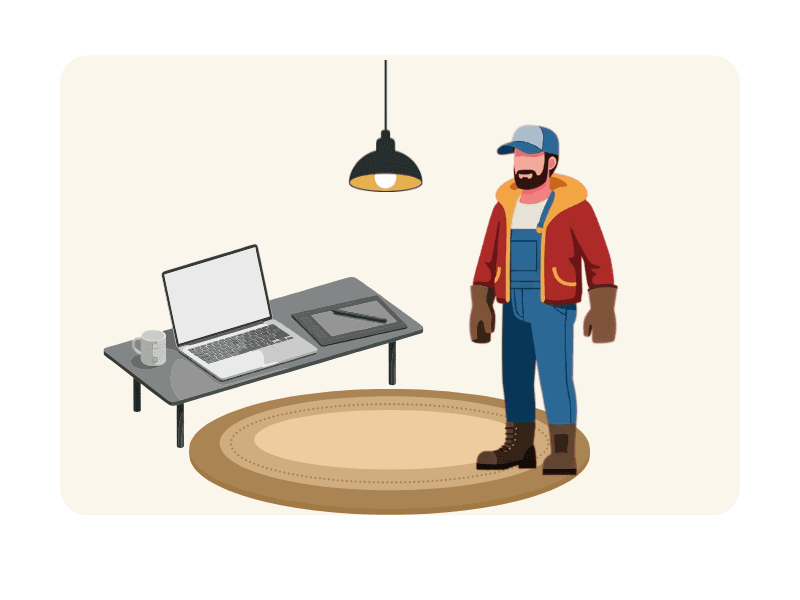
Phase 1: Pre-Season Planning
During the quiet pre-season, agronomists plan out the year by recording crop activities, seed types, and yield goals. They generate initial prescriptions to give farmers an idea of how much fertilizer to order.
How can we make it easy for agronomists to enter information about each field so that they can generate rough nitrogen plans for each field?
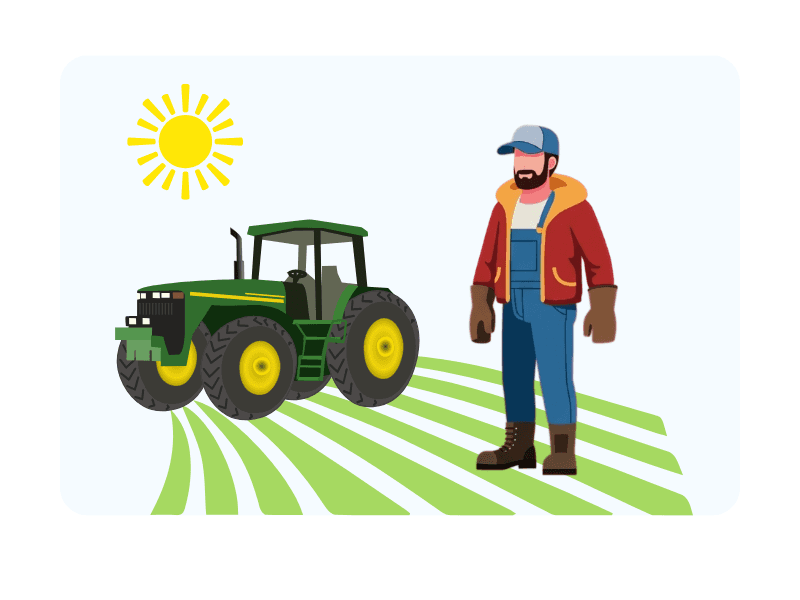
Phase 2: In-season adjustments
Once the growing season starts, the "perfect" plan rarely survives. If a storm hits, planting dates for 50 fields might shift simultaneously. During this time, agronomists spend most of their days out in the fields, not behind a desk.
How can we make it easy for agronomists to make changes to planned activities that may span multiple fields?
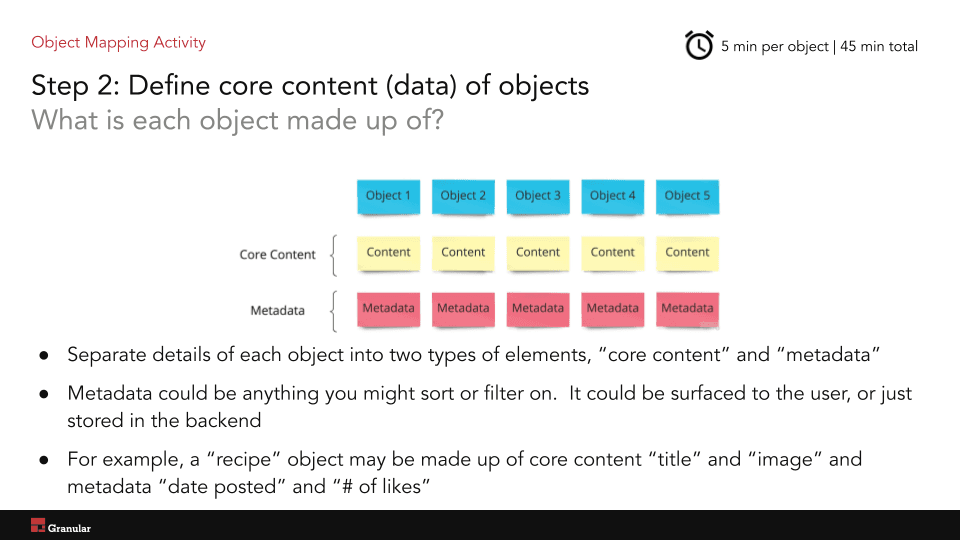
Before putting together mocks, I facilitated a workshop with our team of designers, PM, engineers, and data scientist. We began by reviewing research findings, followed by an Object Oriented UX exercise.
Our goal was to map out a system that mirrored the agronomist's mental model and establish a shared language across the team. In addition, this session helped us navigate the 'black box' of the nitrogen science model, identifying which inputs are mandatory vs. optional, and how each related to an agronomist's real-world activities.
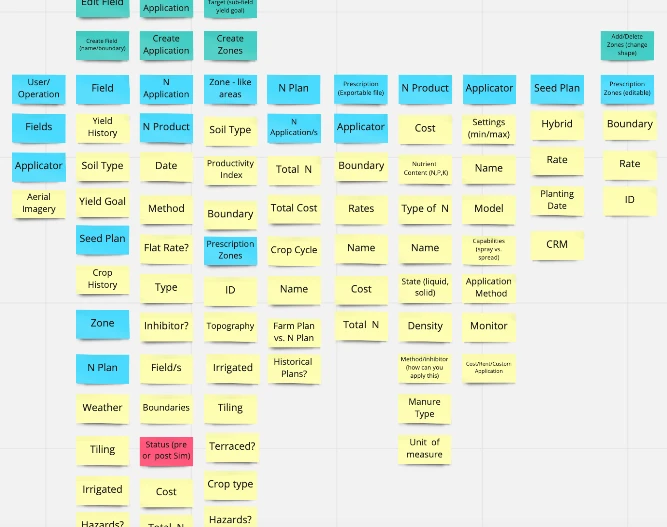
After reaching alignment on general concepts (such as "field", "zone", and "seed plan"), I explored divergent ideas for workflows to enable agronomists to record and view yield goals, seed type, and planned activities on each field.
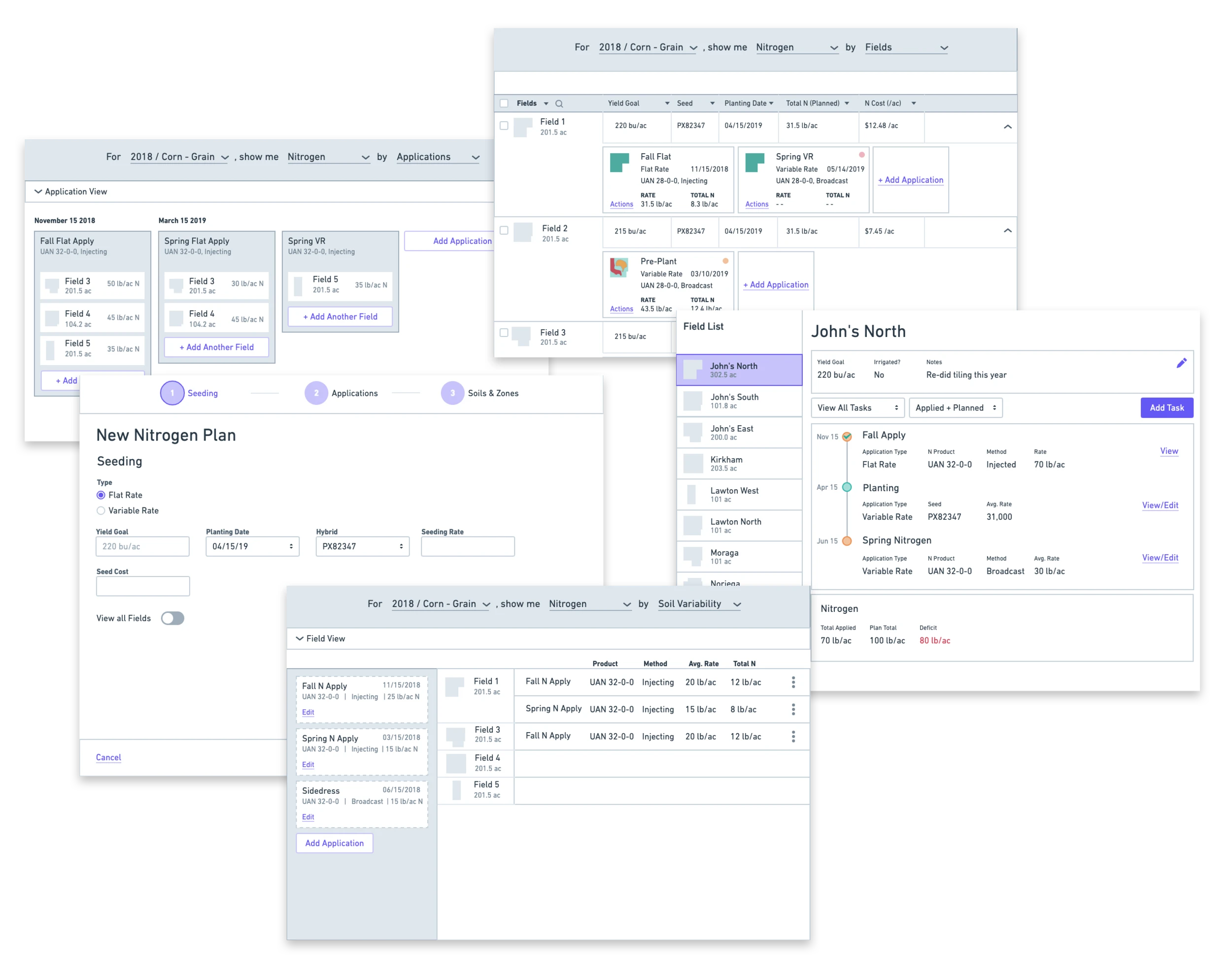
We sought continuous feedback from customers to inform design decisions and build confidence on direction.
Bulk events or field by field?
Insight: For logistical reasons, farmers tend to use similar crop plans on multiple fields. This means multiple fields could share the same planting date, seed type, and planned fertilizer applications.
Decision: We prioritized a solution that allows users to apply metadata to multiple fields at once, rather than a field-by-field approach.
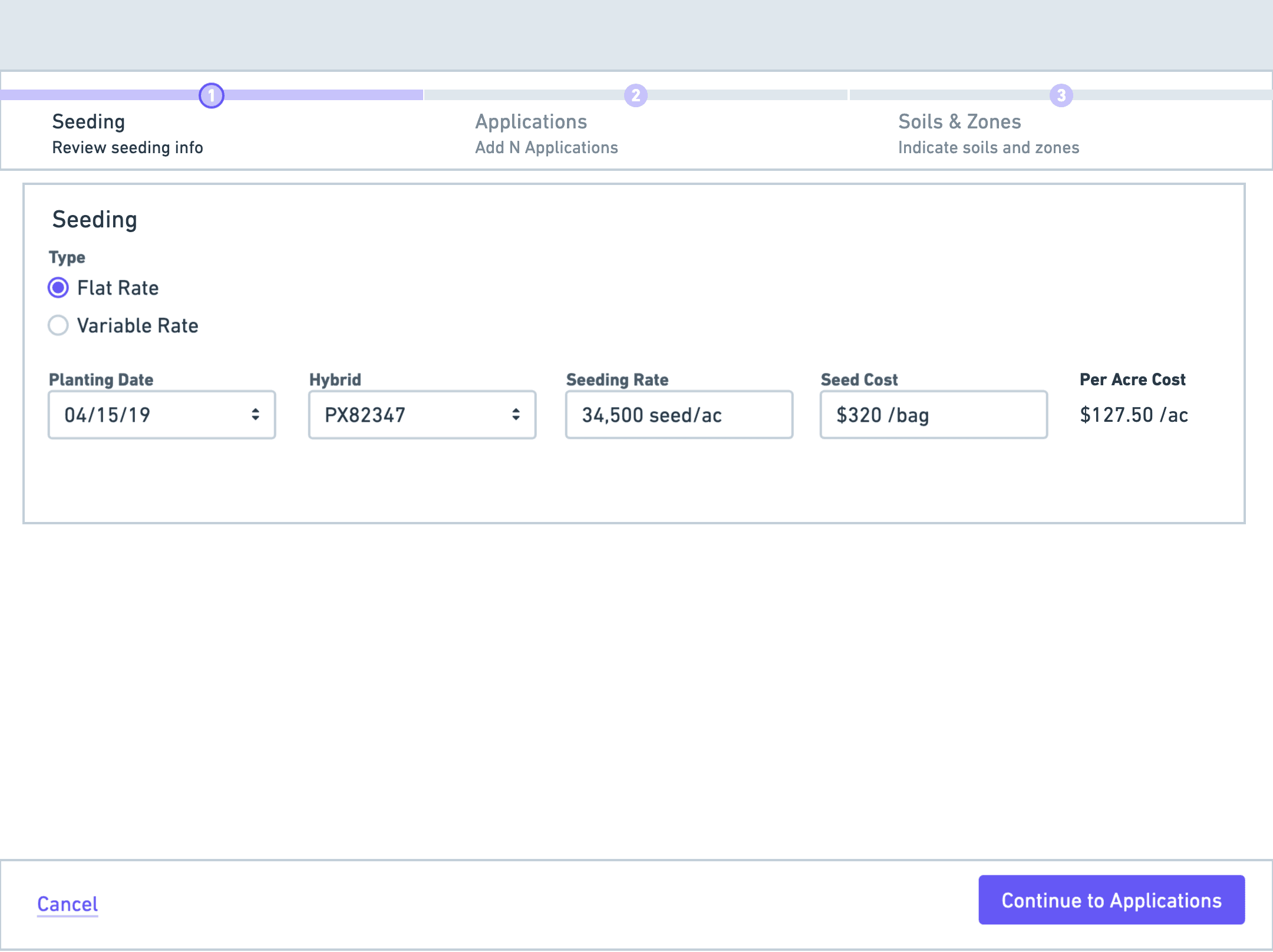
Little by little or all at once?
Insight: Agronomists don't always enter all information in one sitting, since they rely on their farmer clients to provide much of the plans, which may come piecemeal.
Decision: We scrapped the step-by-step wizard concept in favor of more modular workflows.
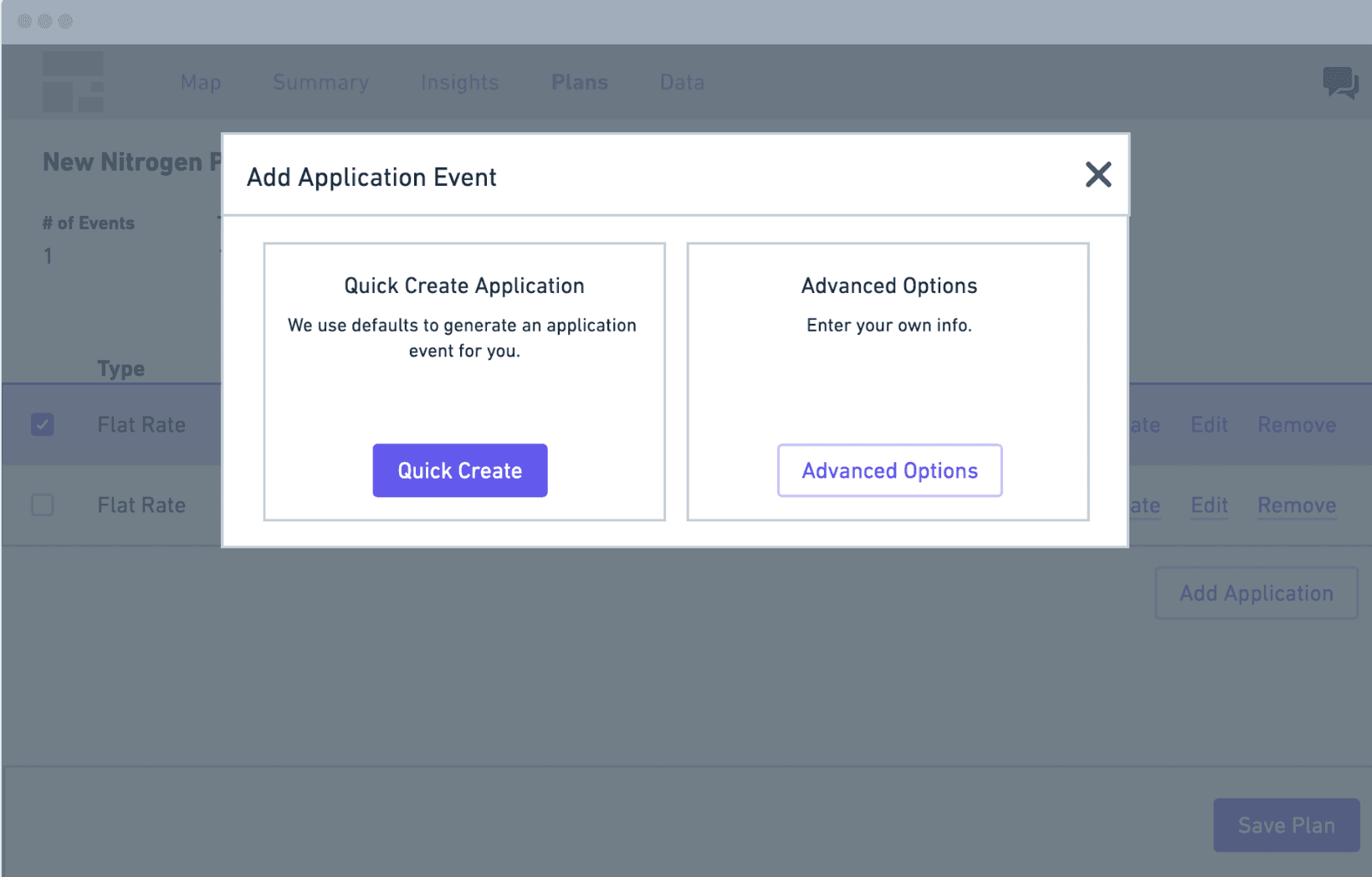
Simplicity vs flexibility?
Insight: Agronomists appreciate smart defaults, but prefer to have more options and control. They consider themselves to be "advanced users" who want more flexibility.
Decision: We tried to drive value sooner with quick defaults, but since farming practices vary so much from grower to grower, a one-size-fits all approach didn't work for anyone.
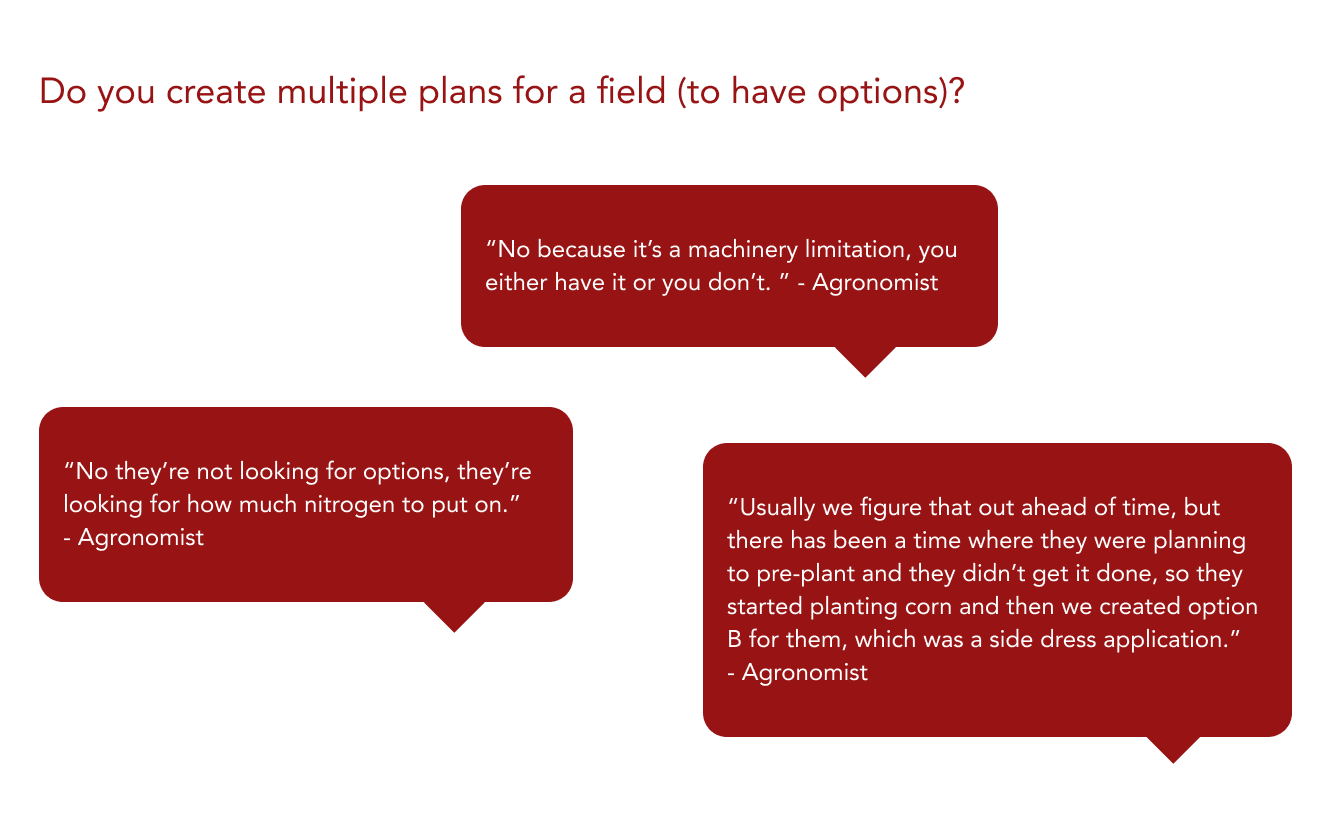
Scenario planning?
Insight: Some of our early concepts allowed for "scenario planning", or testing different nitrogen scenarios against each other. However, we learned that farmers do this planning work, not agronomists. Agronomists simply want to enter the agreed-upon plan.
Decision: We removed scenario planning features to streamline the core experience.
Agronomists told us that fields often have the same nitrogen plans, and unexpected changes to those plans throughout the growing season (for example, a large rainfall) typically impacts many fields.
As a result, the final designs prioritized 1) sorting and filtering of fields and events to select items to take action on, and 2) easy bulk actions across fields and events such as updating the yield goal or changing application date.
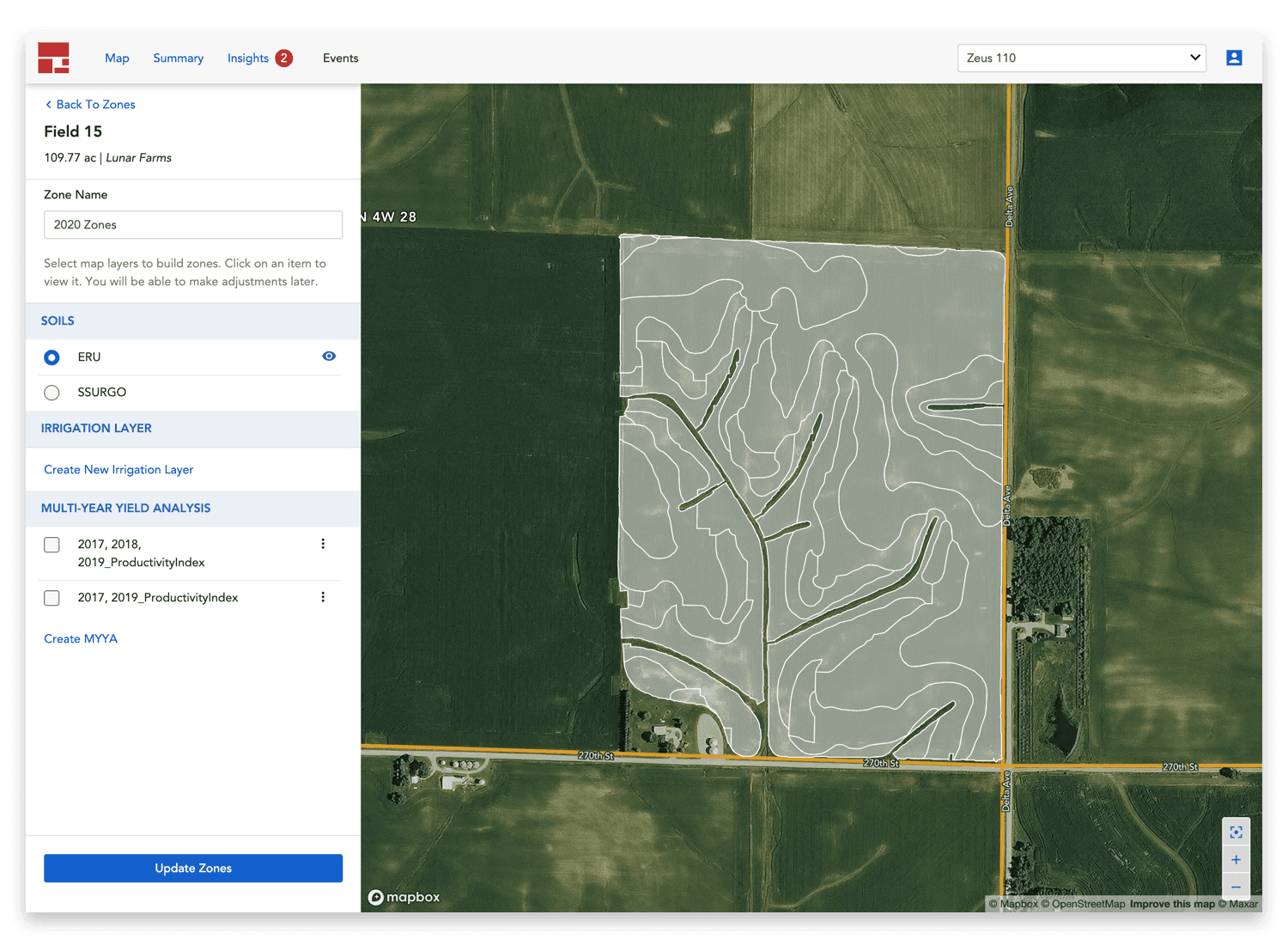
Management zones
Before creating plans and generating prescriptions, agronomists must first set up management zones on each field. As one customer described it, zones are "the foundation to everything you do".
I designed a workflow that lets users select inputs to zone creation and view different map layers such as soil type, historical yield, and irrigated areas.
Nitrogen RX details
When nitrogen events are created on fields with zones, a nitrogen prescription is created. Users can click into a Nitrogen Event to see the map view of the prescription and more details.
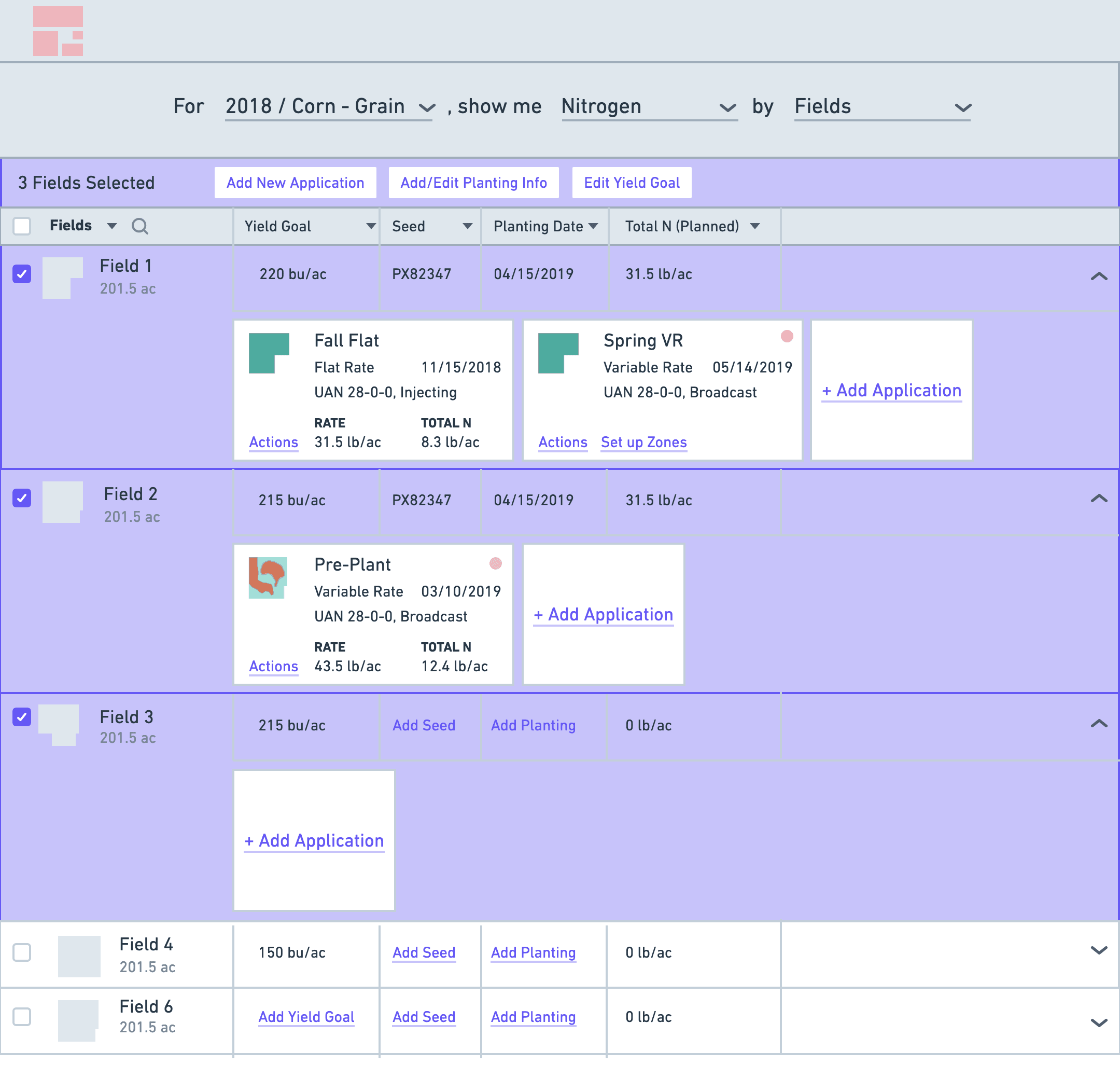
Field View with Event cards
Users can see a list of all fields, sort or filter by metadata data such as planting date, and perform bulk actions to these fields such as adding events or updating yield goal.
Events on each field are represented as a card to differentiate them from field-level metadata. Each event card has an icon that represents the event type (planting, irrigation, nitrogen, etc.) so users can understand planned activities on each field at a glance.
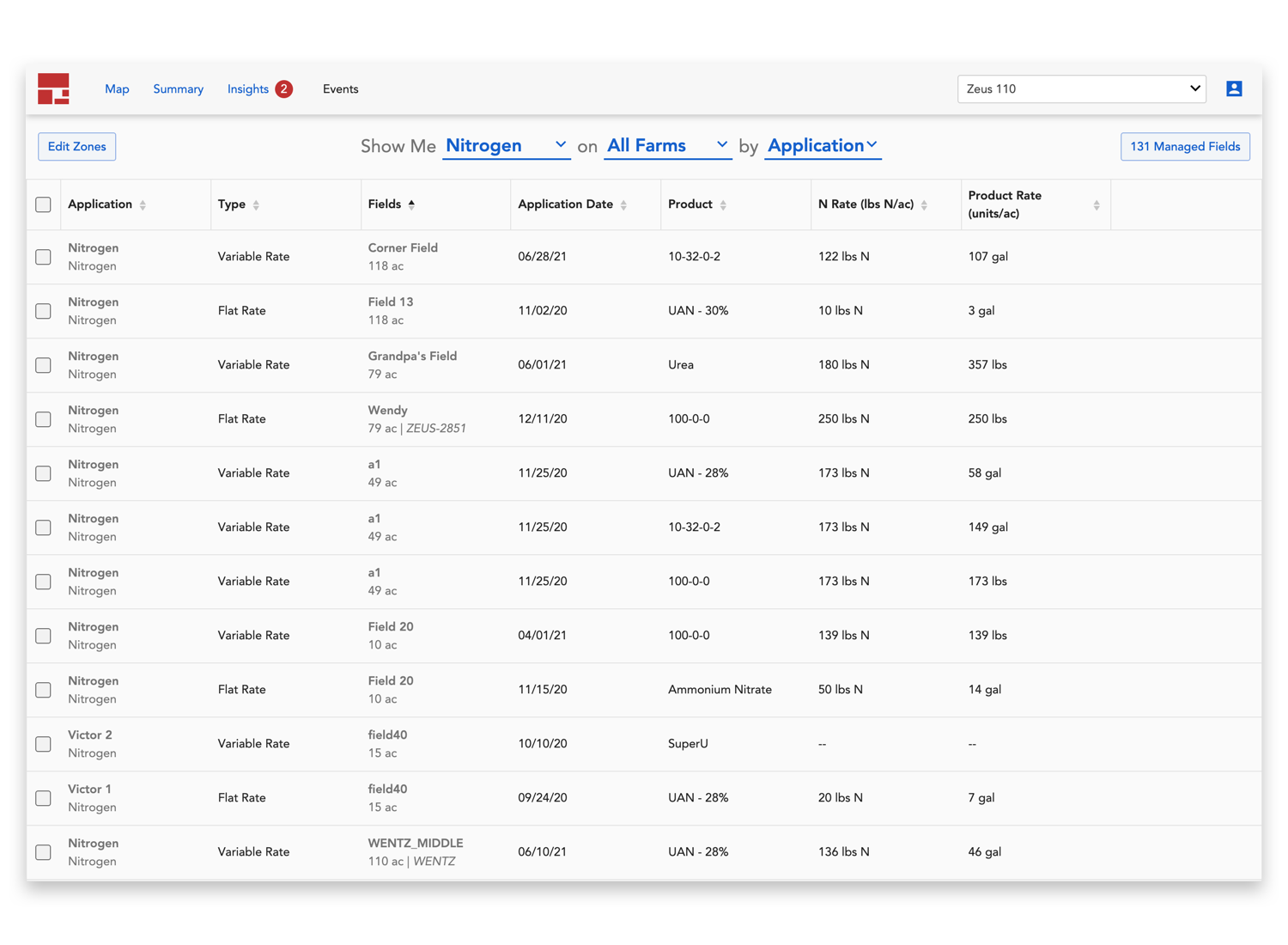
Application view
Farmers typically do the same seed or fertilizer applications on multiple fields. We built Application View to allow users to sort or filter by application date, product name, or product rate to perform bulk edits to events.
This comes in handy in many situations. For example, after a big rainfall that delayed planting, the user may want to filter by all applications that were supposed to occur on a certain day, select all, and change the planned date to the following week.
I worked closely with our engineering team throughout the development process to build out these designs using Granular Design System components.
Granular Agronomy + Nitrogen was launched in October 2020, ahead of the 2021 spring planting season.
This new tool had measurable improvements in task efficiency. For an agronomist managing 150+ fields across multiple operations, these gains don't just save minutes—they save full workdays, empowering agronomists to spend more time out in the fields and less time using software.
Task 1: Generating zones
75% faster
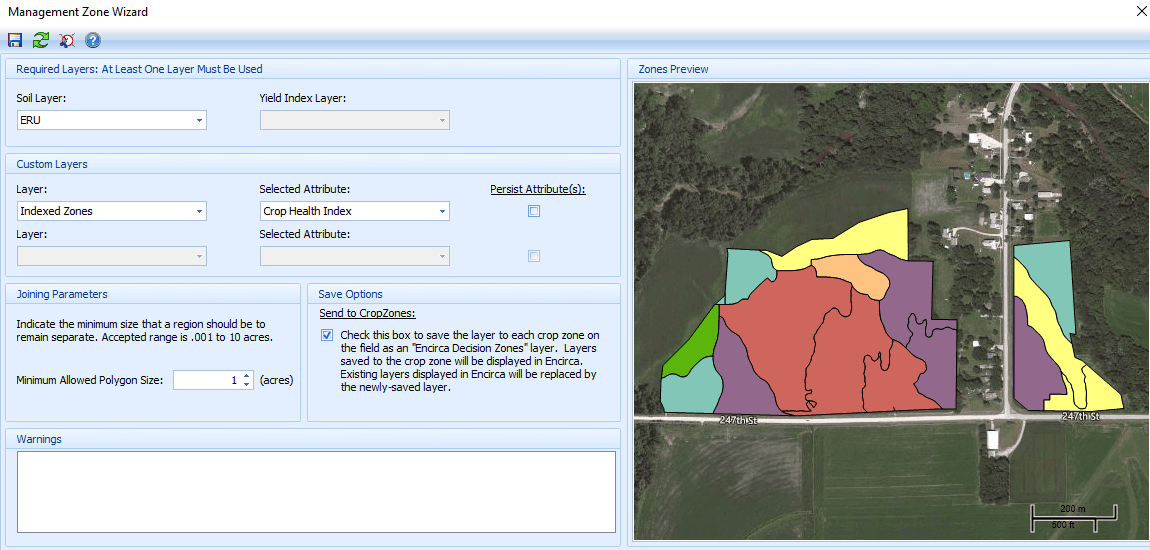
Legacy product: Users had to create zones in a separate desktop app, then export to legacy product.

Our redesign: 30 seconds
Task 2: Edit yield goal
60% faster

Legacy product: 30 seconds per field

Our redesign: 12 seconds to do in bulk
Task 3: Adding field events
66% faster

Legacy product: 60 seconds per field

Our redesign: 20 seconds to do in bulk
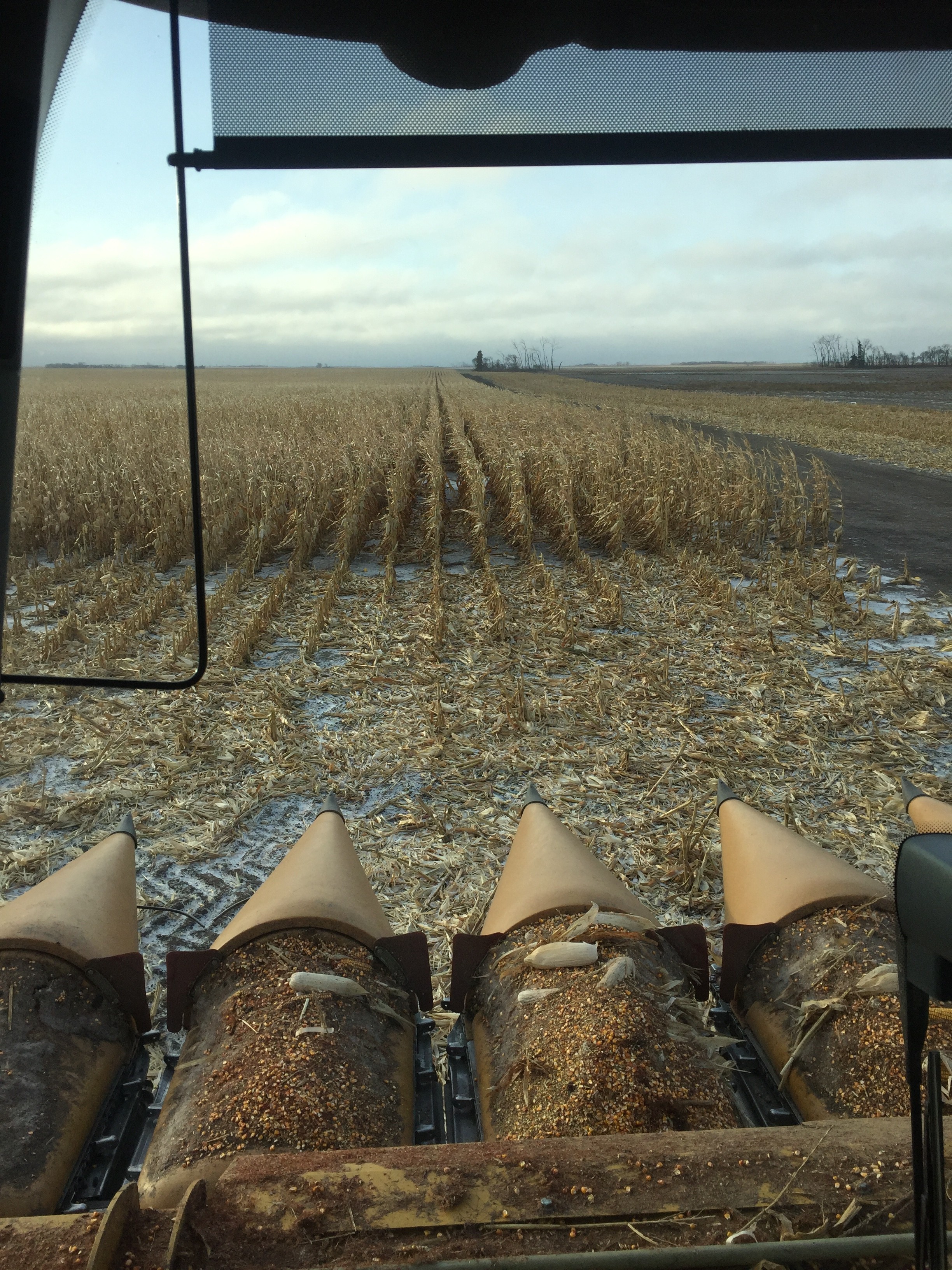
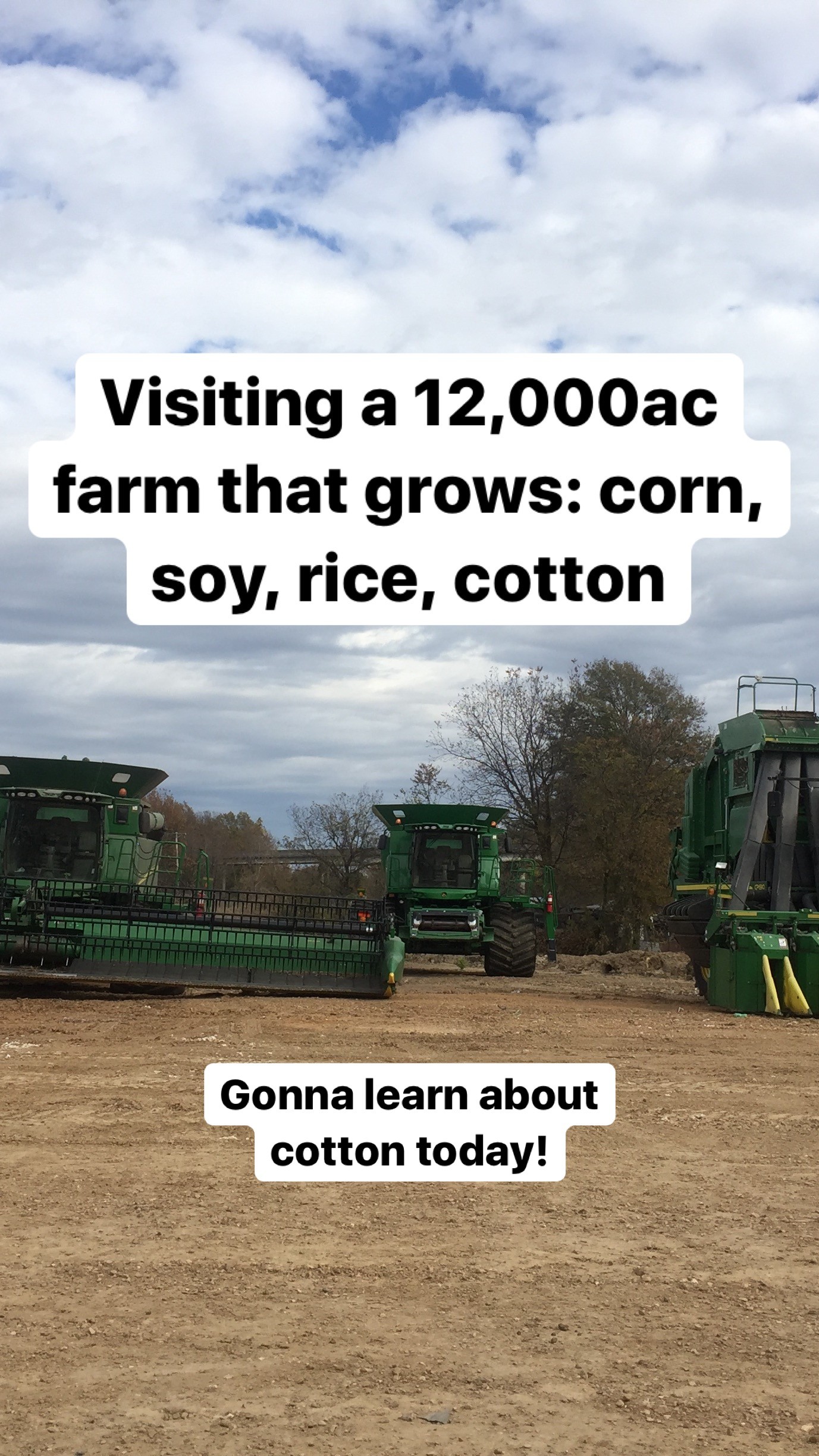
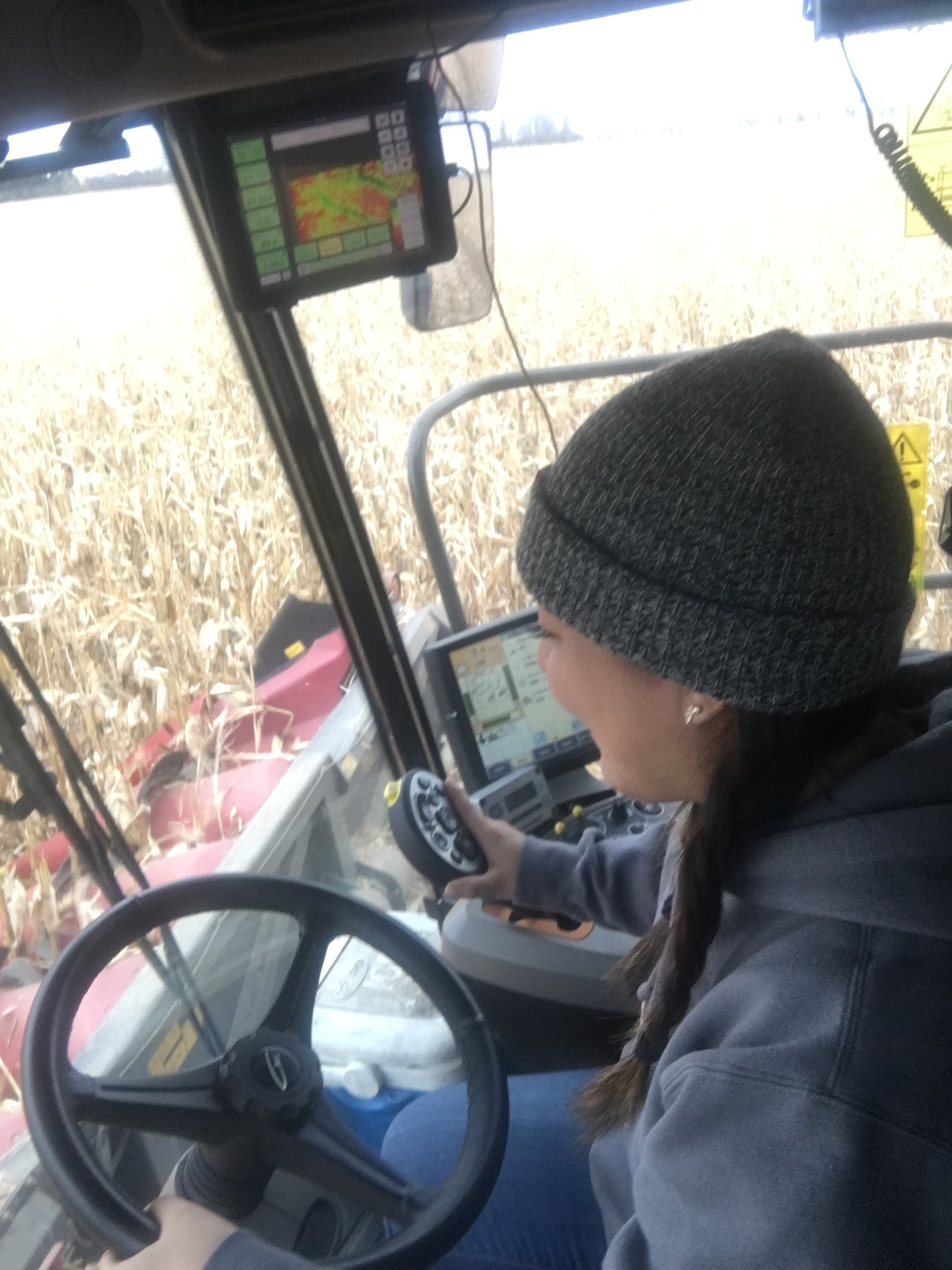
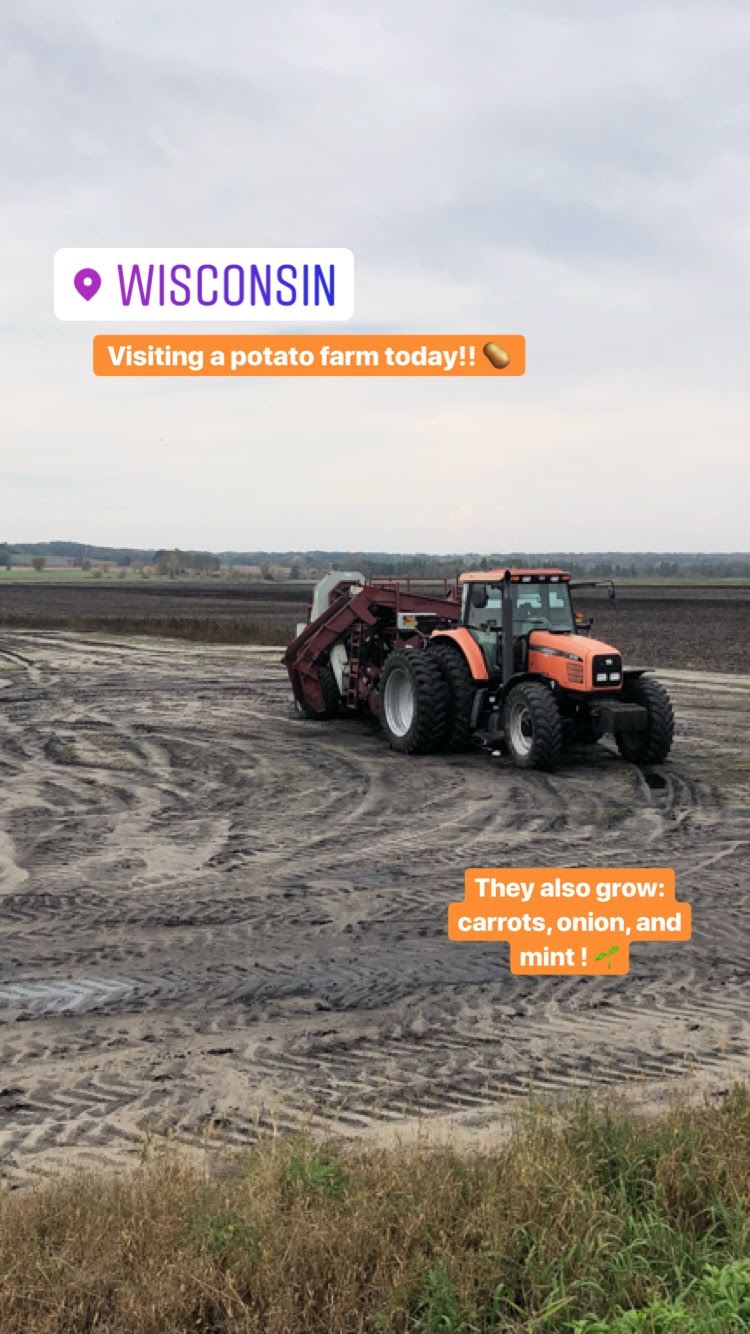
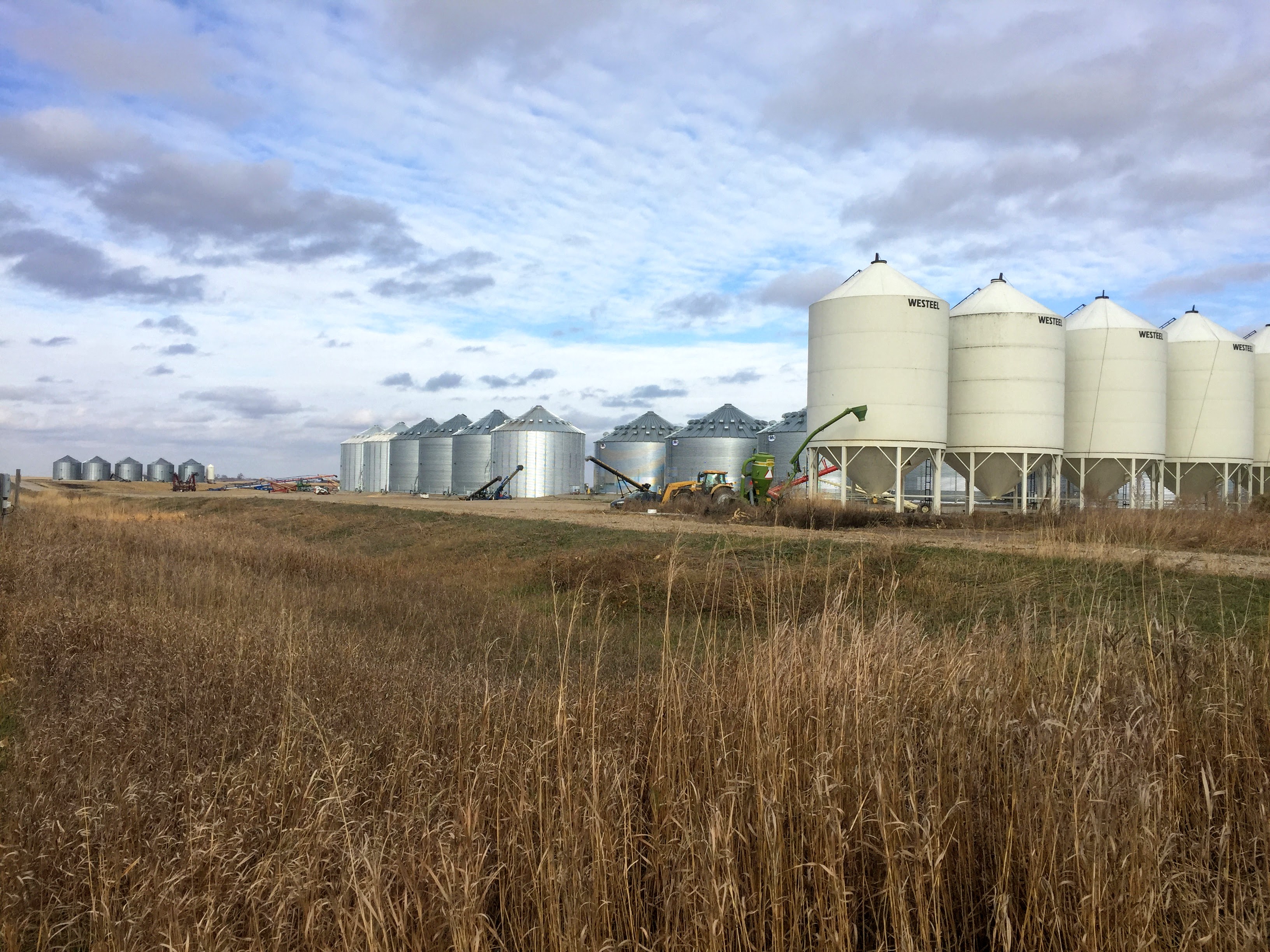
As part of this project, I got to visit farms across the US and Canada, not only to learn about their software usage, but also to check out their crops and equipment in action. And yes… they even let me drive a tractor! 🚜